Description
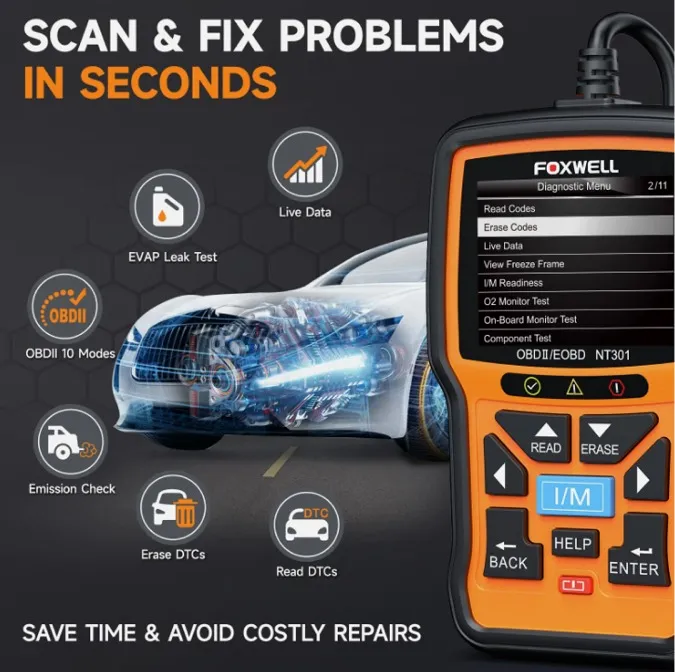
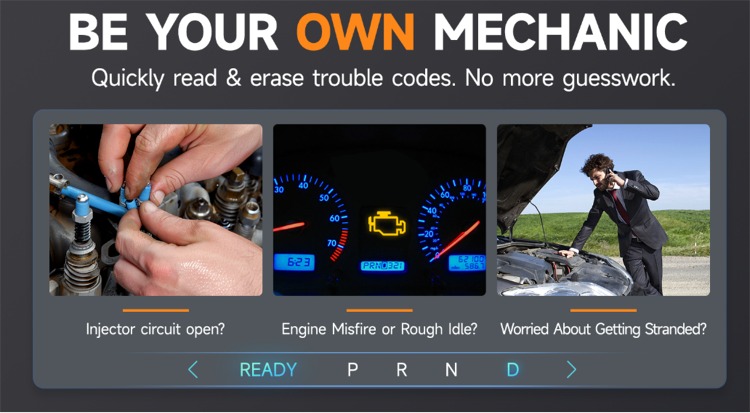
Reading Codes: Show the detailed description of the Diagnostic Trouble Code (DTCs)
Erasing Codes: Turns off Check Engine Light (MIL), clears codes and resets monitors.
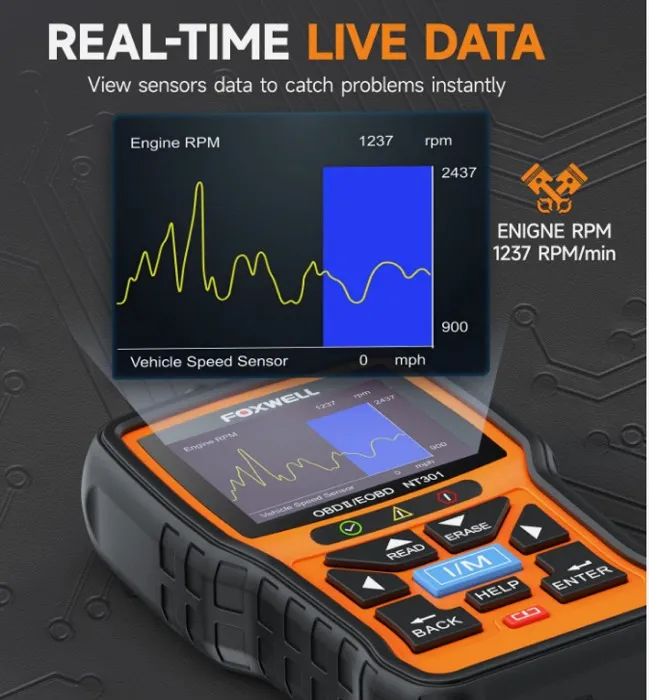
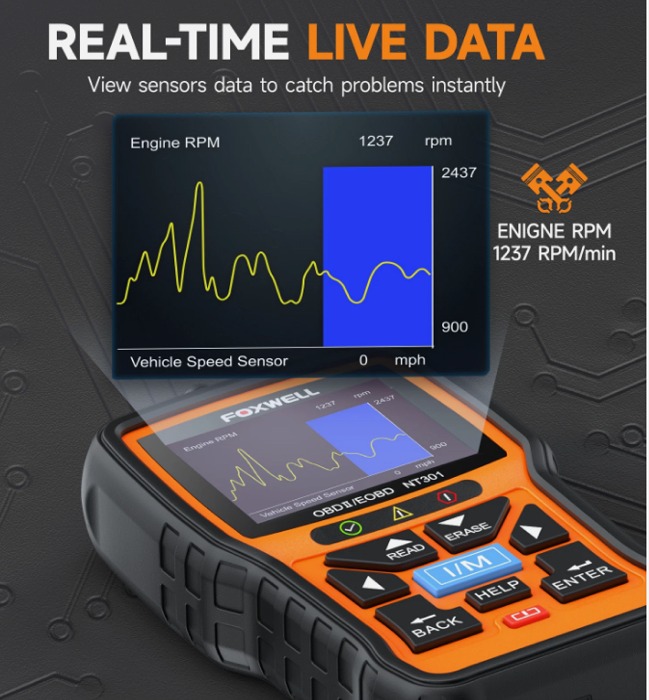
Data Stream: Reads and displays live ECU/PCM data stream, plotting functions graphically and stores freeze frame data.
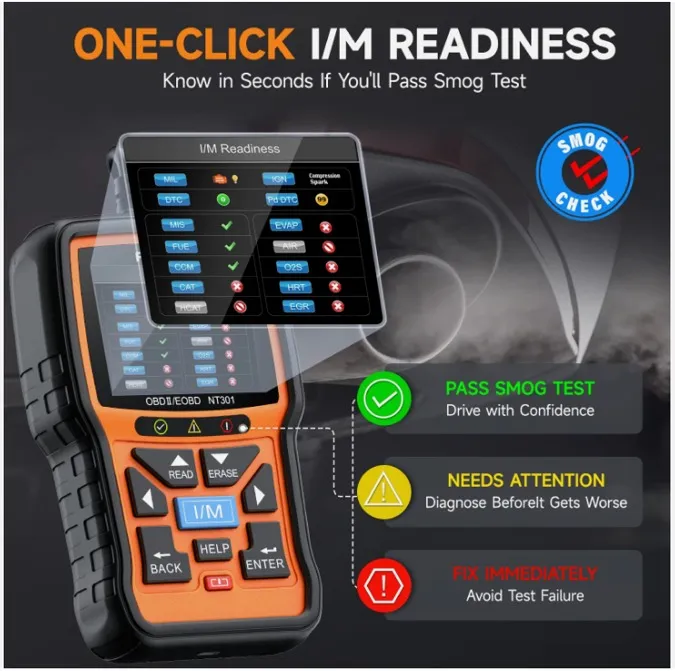
I/M Readiness Status: Shows whether the various emissions-related systems on the vehicle are operating properly and are ready for inspection and maintenance testing.
Read Live Data Stream: Show the information of continuous data stream from a vehicle in live graphic (waveform) display.
View Freeze Frame Data: Check the certain vehicle conditions which are recorded by the on-board computer at the time the emission-related fault occurs.
O2 Sensor Test: Allows retrieval and viewing of O2 sensor monitor test results for the most recently performed tests from the vehicle’s on-board computer.
On-Board Monitor Test: Retrieves and displays test results for emission-related powertrain components and systems.
Read Vehicle Information: Display the information such as VIN (Vehicle Identification Number), CID (Calibration ID) and CVN (Calibration verification number), etc.
Component Test: Certain vehicle components can be actuated by commands sent from the scanner to test their operability.
Obd2 scan tool can not only read and clear engine fault codes, save money for you, but also have some enhanced functions which could help you find some deep problems so that makes your diagnosis easier.
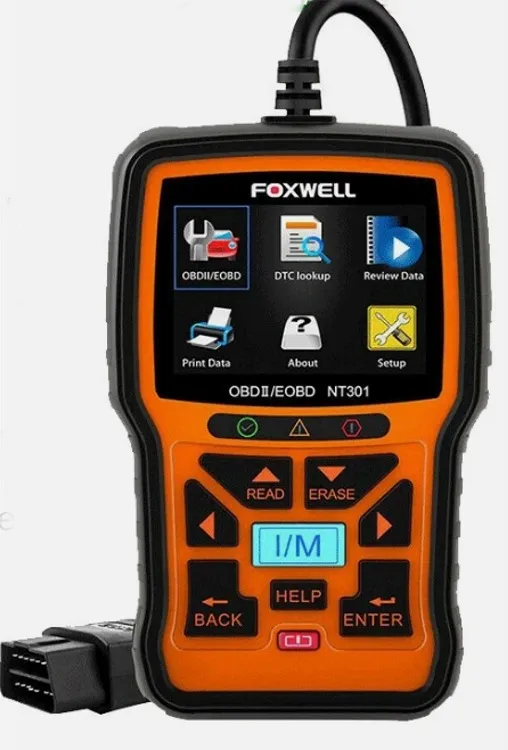
LED Notifications: Red-Yellow-Green LEDs and build-in speaker indicate the readiness status for smog check. This engine diagnostic tool can also help catch intermittent problems or confirm repairs during a drive cycle.
Data Log: The NT301-US engine code reader records PIDs for later use to help you diagnose intermittent driving performance problems which cannot be determined by any other methods.
DTC Help: Press “HELP” button with DTC guide for possible causes if codes show the small “?” icon.
VIN Retrieval: Automatic VIN acquisition and decoding make it much easier to read manufacturer specific codes and enhanced mode 6 data.
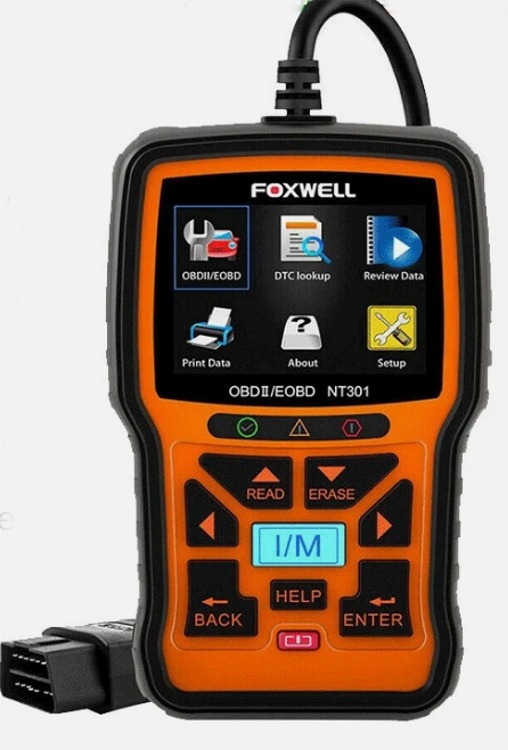
Print Data: If you are unable to determine the problem, you can print out the diagnostic data and send the data to your mechanic for help.