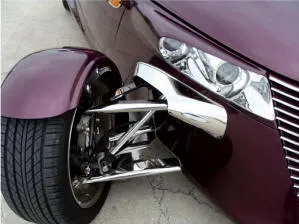
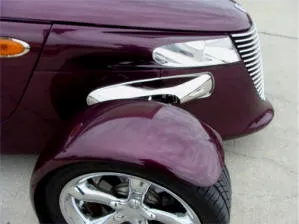
PROWLER STAINLESS BUMPER REMOVAL FAIRINGS with LIGHTS
Part #822026
Instructions
Note: You can view our installation video on our website under the Bumper Removal Fairing item. Search for: Installation Video.
Website: Products_Page_Parts_Upgrades_Bumper_Removal_Fairings
YouTube: www.youtube.com/user/americancarcraft#p/a/u/0/lb3mG5MWQrU
Parts Included:
- 2 x Stainless Bumper Fairings with Lights
- 2 x Adhesive Promoter Packs
- 2 x Long Chrome Trim Pieces (23″)
- 2 x Short Chrome Trim Pieces (14″)
- 2 x Large Self-Stick Brackets
- 2 x Small Self-Stick Brackets
- 4 x 1/4″–20 Nuts and Bolts
- 14 x Blue Wire Connectors
- 2 x Stainless 10/32 Phillips Screws
- 1 Pair of Plastic Gloves
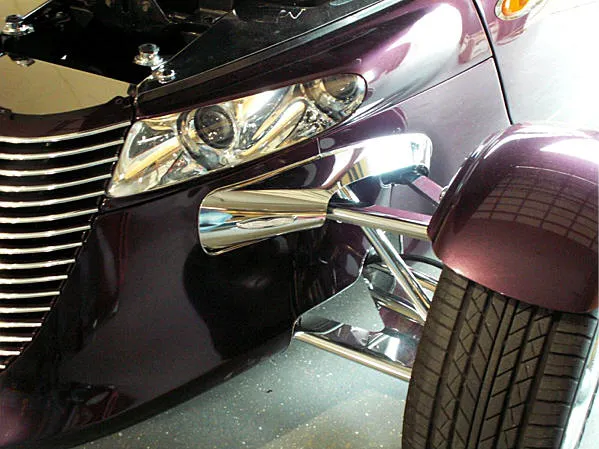
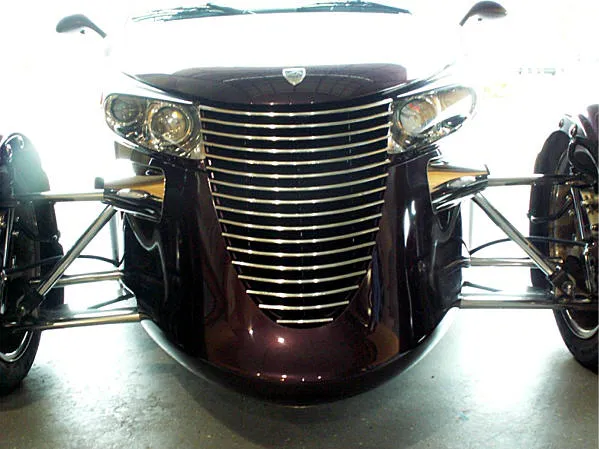
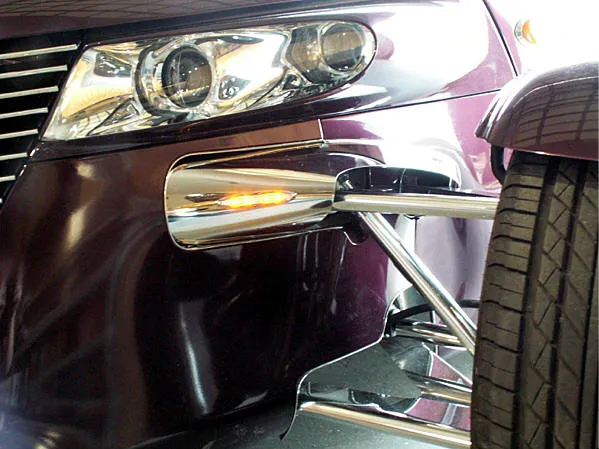
The new Prowler bumper fillers are the first of their kind—custom accessories designed to complement and complete our stainless steel front suspension cover kit.
This kit should be professionally installed due to its difficulty and the need to manually form it to the body. Some customization skill is required to achieve proper contour and fit.
Installation Instructions – Fairing Assembly
Your kit includes a partial protective liner. Do not remove it until instructed.
Plastic gloves are provided to help prevent fingerprints and scratches during installation.
- The first step is to remove the factory bumpers. Locate the attachment bolts for each bumper near the right and left sides of the battery.
Three of the four bolts are easy to access—remove these first.
After removing them, rotate the bumper downward to expose the final bolt at the top outer corner of the bumper bracket.
To reach this bolt, use a 1/4″ drive short socket with a swivel adapter on a long extension.
This allows you to access the bracket from the outside of the Prowler and remove the final bolt.
It is helpful to have a friend support the bumper while you remove it.
Once detached, slide the bumper out of the opening and disconnect the electrical connector. - With the bumpers removed, prepare the openings for the new filler pieces.
Thoroughly scrub the inner surface of the front fender just ahead of the bumper attachment bracket.
Also clean inside the small opening near the rear arm bushing—this area is harder to reach but must be cleaned completely to remove road grime and dirt.
Clean the fender rims of both openings as well.
After cleaning, apply the provided adhesive promoter to all areas on both sides of the vehicle.
Finally, clean the front side of the aluminum bumper bracket and apply adhesive promoter there as well.
Installation Instructions – Fairing Assembly
Your kit includes a partial protective liner. Do not remove it until instructed. A pair of plastic gloves is provided to prevent fingerprints and scratches during installation.
- Remove the factory bumpers. Locate the bumper attachment bolts to the left and right of the battery. Three of the four bolts are easy to access—remove those first. After removing them, rotate the bumper downward to expose the final bolt at the top outer corner of the bumper bracket. Use a 1/4″ drive short socket with a swivel adapter and a long extension to reach this bolt from the outside of the Prowler. It helps to have a friend support the bumper while you remove it. Once free, slide the bumper out of the opening and disconnect the electrical connector.
- Prepare the openings for the new filler pieces. Thoroughly scrub the inner surface of the front fender ahead of the bumper bracket. Also clean the small opening near the rear arm bushing—this area is harder to reach but must be fully cleaned of road grime and dirt. Clean the fender rims of both openings as well. After cleaning, apply the provided adhesive promoter to all areas on both sides of the vehicle. Clean the front of the aluminum bumper bracket and apply adhesive promoter there also.
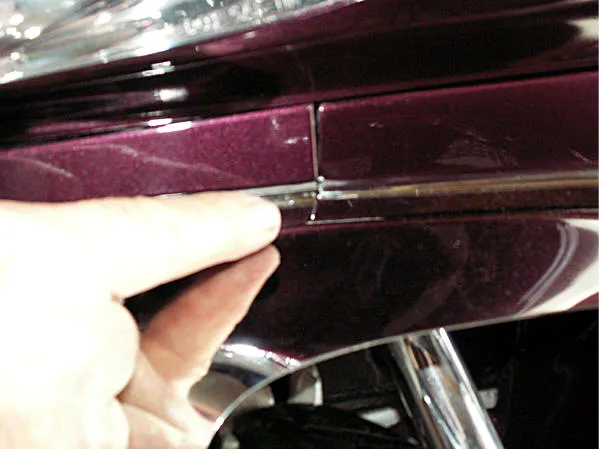
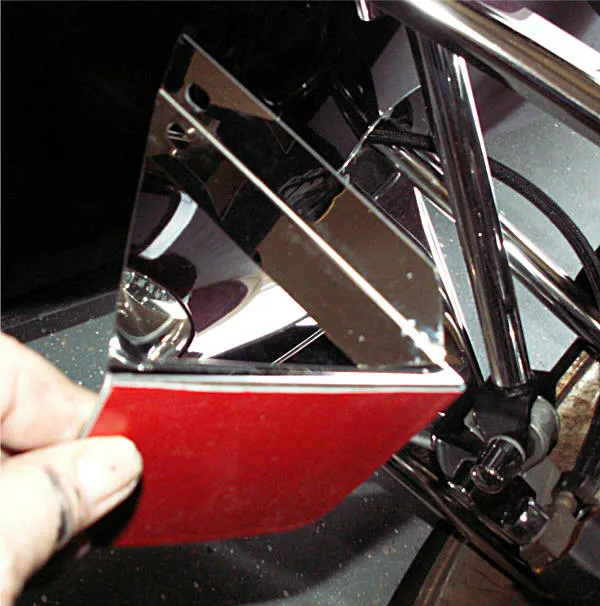
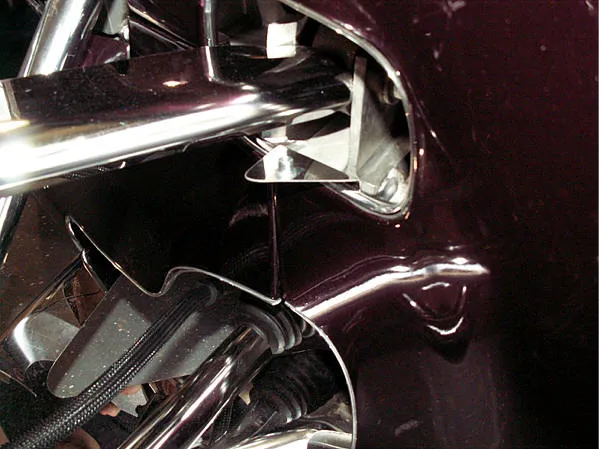
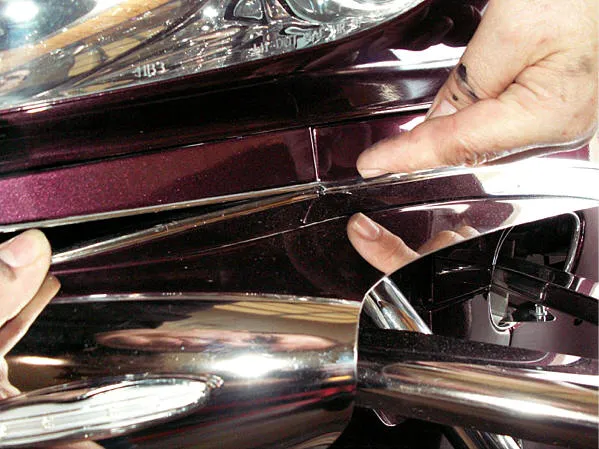
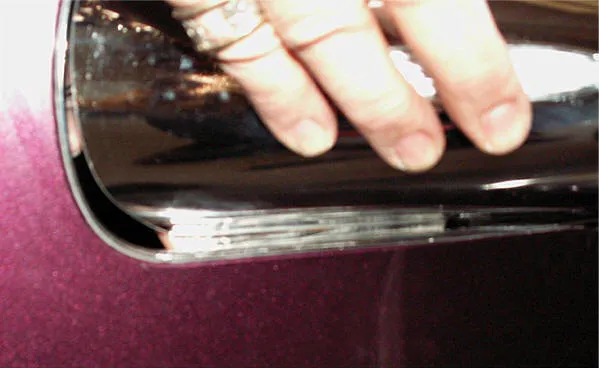
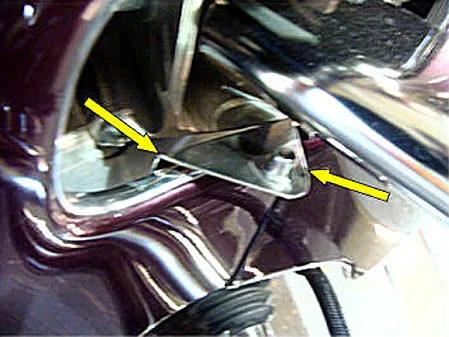
- Install the chrome trim. Two lengths of chrome trim are included (see Picture 1): one long and one short. Remove the red release liner from the long trim and place it directly along the upper fender ridge at the body seam. Press it firmly along the front edge all the way under the A-arm until it ends. Repeat this process with the short trim at the smaller opening.
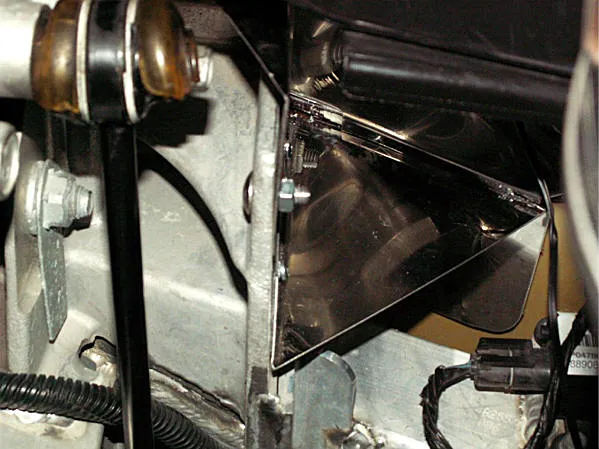
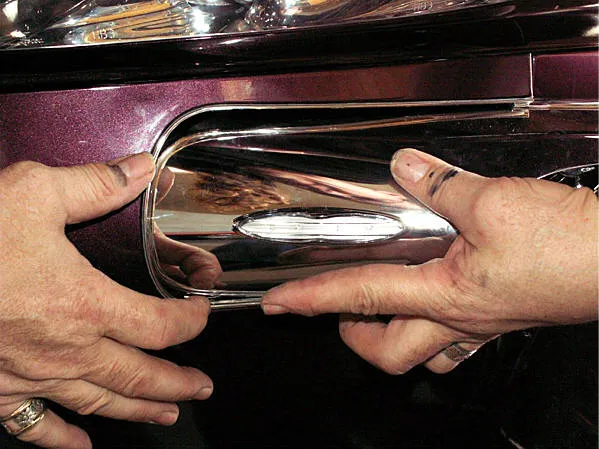
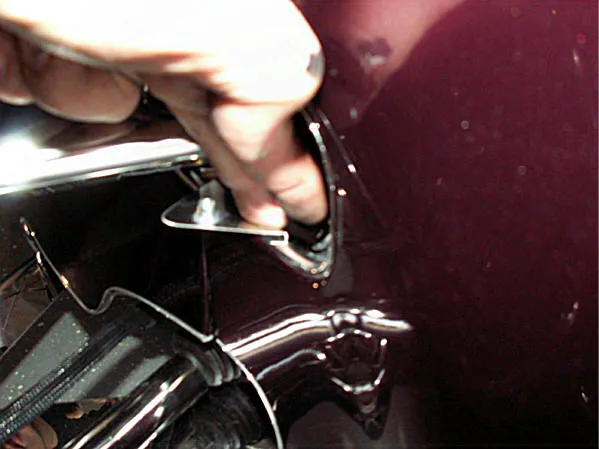
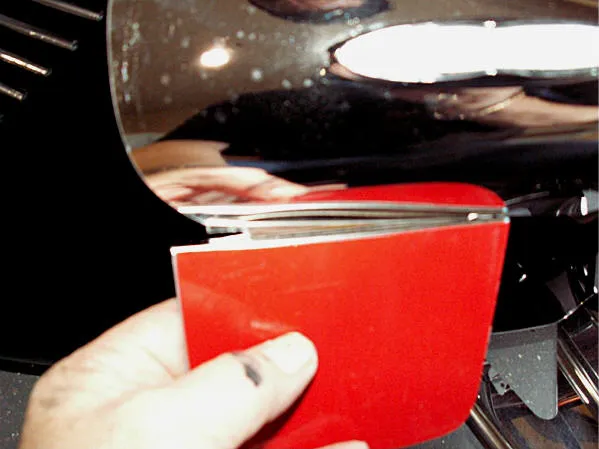
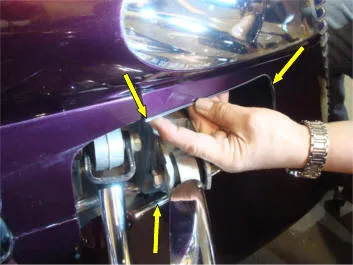
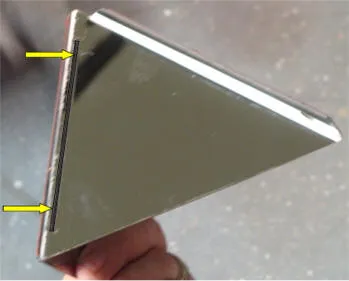
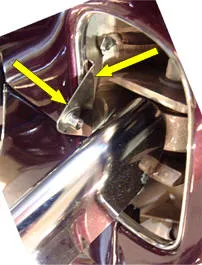
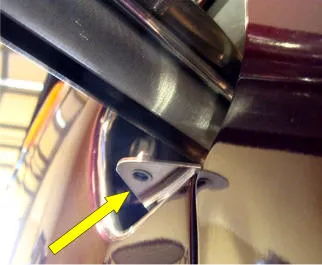
- Test-fit the self-stick brackets. You have two large and two small brackets. Before permanently attaching them, test-fit each bracket to understand placement and how they must be maneuvered. The large bracket has a slit running along its length (see Picture 2). This slit is the attachment point for the lower tab of the filler and must remain fully exposed inside the fender opening. The small bracket must sit firmly against the forward inner fender ridge and rest securely on top of the chrome trim installed earlier.
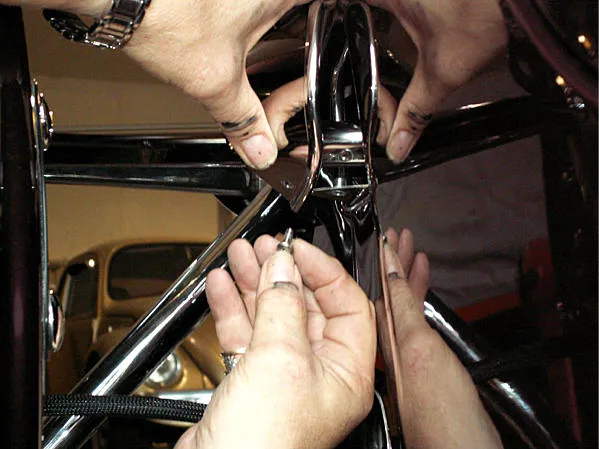
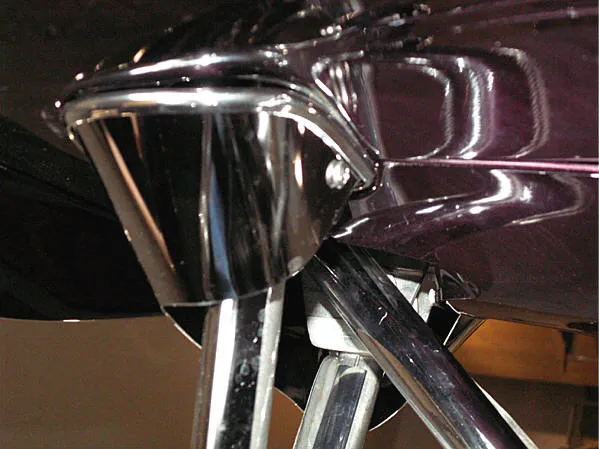
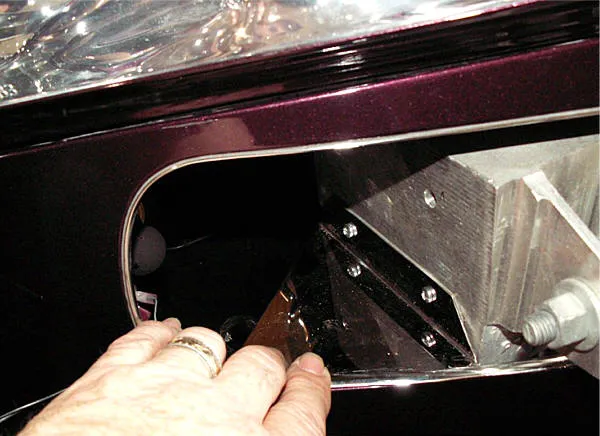
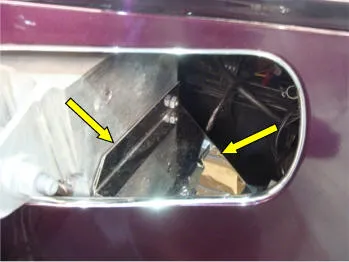
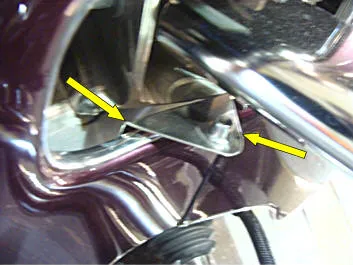
- Install the brackets. Once familiar with the correct orientation (see Pictures 3, 4, 5 & 6), remove the red liner from the brackets and install them. Press firmly along the adhesive surfaces to secure them. Then install the 1/4″–20 nut and bolt into the factory bumper bracket opening and tighten. Ensure the small bracket is firmly seated against the inner fender ridge (see Picture 4).
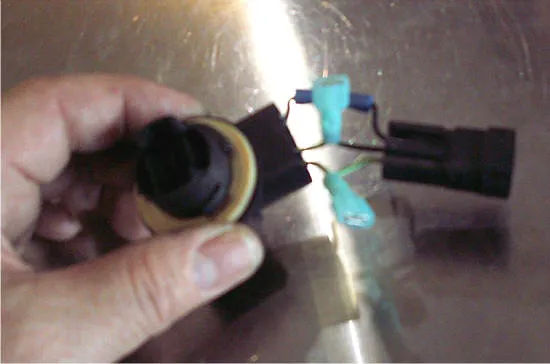
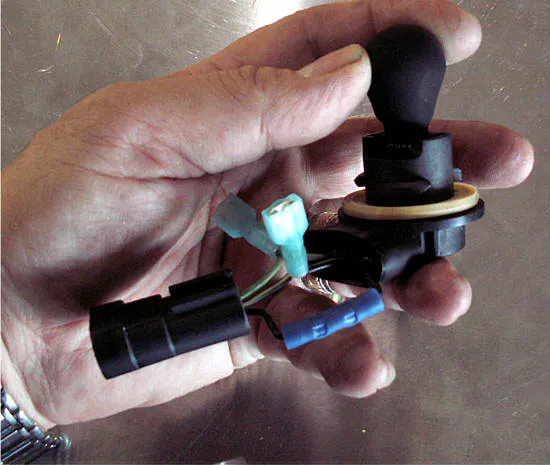
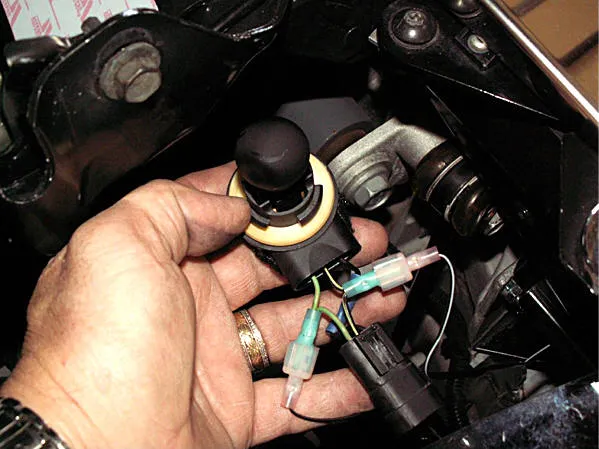
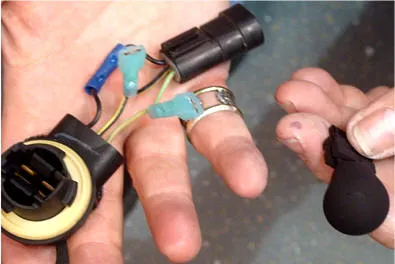
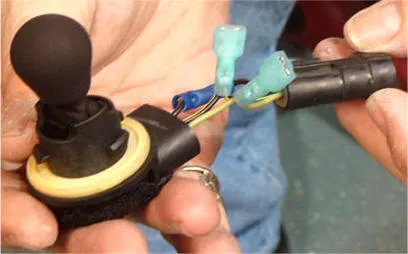
- Prepare the electronics. Unscrew the factory light lenses from the bumper and remove the bulb socket. Pull the harness out far enough to snip the wires about 2″ back. Also snip the female connector at the rear of the bumper. Strip all wire ends about 1/4″ to expose the strands, then twist them tightly. You have been provided with fourteen blue wire connectors and four blue female blade connectors. Crimp the two black wire ends together using one blue connector. Twist the two center wires together and crimp on one blue female blade connector. Repeat for the remaining two wires (see Picture 7). This creates a mini-harness containing two female blade connectors ready for your LED lights. The remaining blue tube connectors can be used later if you decide to restore the original bumpers to the Prowler. Before connecting any wires, prepare the harness for mounting.
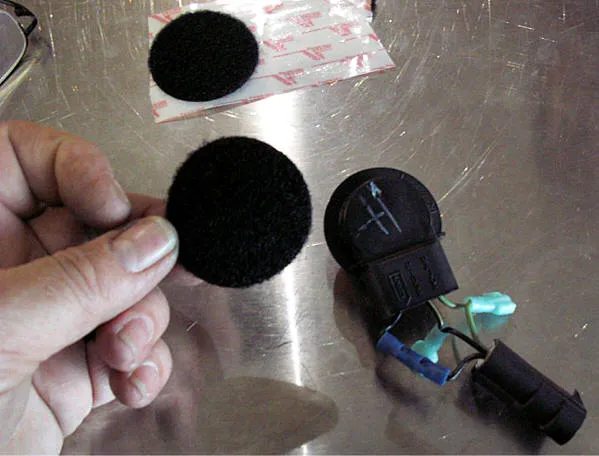
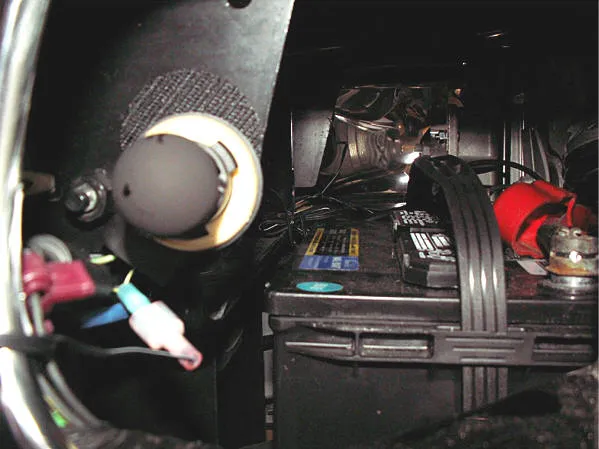
- Mount the mini-harness using Velcro. Place the furry (loop) side around the back of the bulb harness, and place the hook side on the steel bracket just inside the bumper fill opening. This will provide a stable mounting point for the new mini-harness. Repeat on both sides.
- Replace the amber factory light bulb with the blackout bulbs provided (see Picture 8). This allows you to retain the factory circuit while attaching the new LED lights.
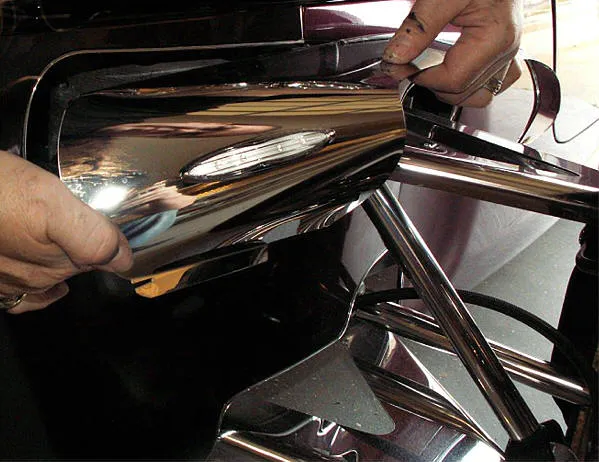
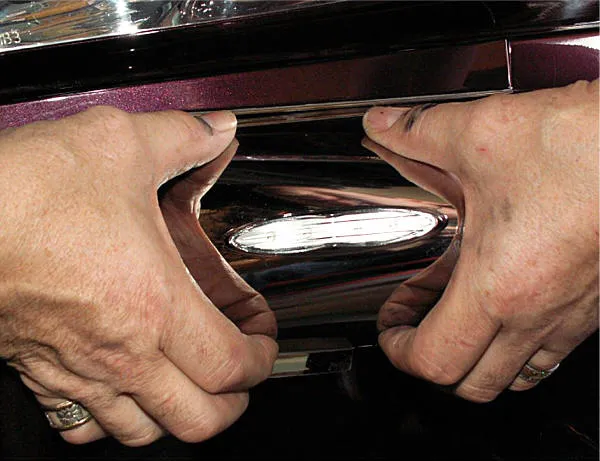
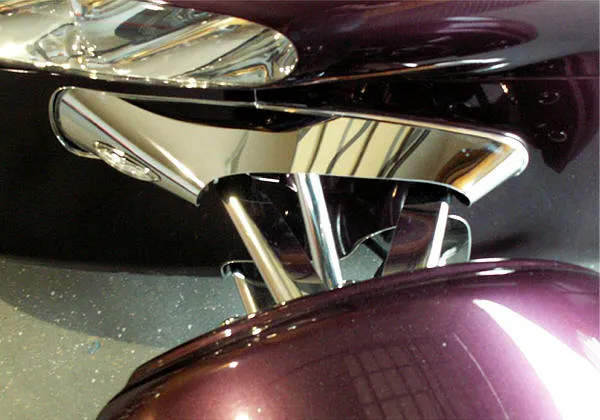
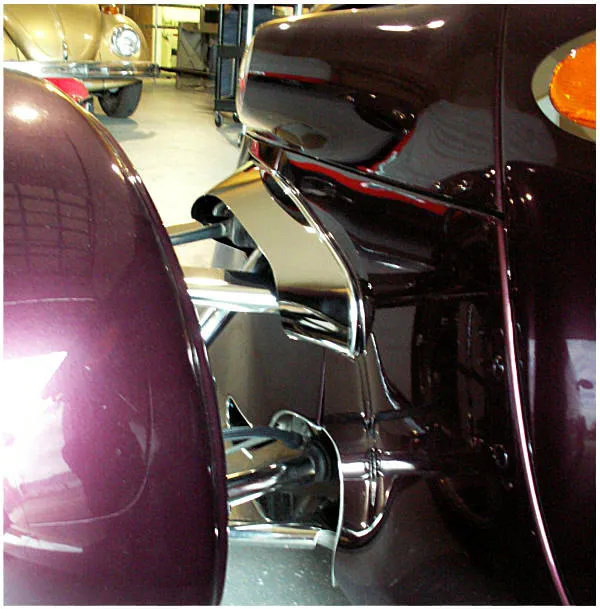
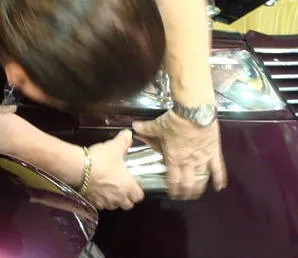
- Install the fairing. Carefully slide the top bracket of the new fairing assembly into the body opening. You will notice that the lower tab of the fairing sits well below the opening. Apply firm pressure to squeeze the rolled section of the fairing (see Picture 9) so the lower tab can be tucked inside the opening. It may feel too large at first, but with enough force on the rolled area, the lower tab will fit properly.
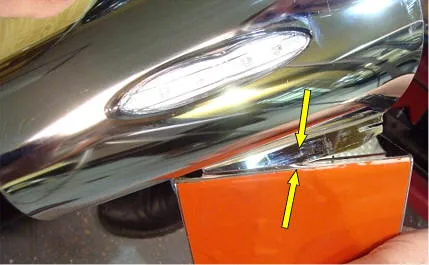
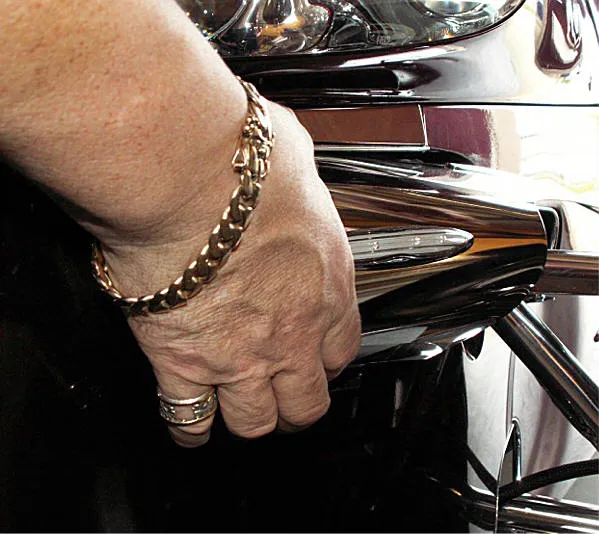
- Insert the lower tab into the lower bracket slit (see Picture 10). This can be done from inside the front nose. It will require some pressure to slide the lower tab outward into the slit. Once inserted, manipulate the fairing so the small notch in the tab slides forward over the bracket edge, locking the fairing and bracket together. This ensures the fairing remains visually tight to the body.
- Secure the top bracket. Press the top bracket down and align its hole with the factory bumper bracket hole. Insert the 1/4-20 bolt provided. Thread the nut on by hand, then align the outer edge of the filler so the chrome trim sits against the chrome trim installed earlier on the fender ridge. Once aligned, tighten the nut and bolt to lock the position.
- Shape the fairing to the body. Twist the back curl of the fairing and align the hole with the threaded rivet nut on the small bracket. This alignment will show which areas need hand-shaping for a smooth fit. Although pre-shaped, the fairing will still require additional hand-adjustment. Apply firm pressure where needed—twisting or rolling the stainless material as required. Once the fairing fits nicely, secure it to the body using the stainless 10-32 Phillips screw provided.Tech Tip: You may apply a small dab of instant adhesive to the screw before installation to prevent it from loosening over time. After installation, remove the protective liner.
- Connect the LED signal lights. The LED signal lights have male slide connectors on each wire. One wire is solid black (ground), and the other is black with a white tracer (positive). Connect the solid black wire to the side wire on the mini-harness. Connect the black/white wire to the center wire of the mini-harness.Important: Be sure to connect the correct wires. Incorrect polarity may damage the LED light.Repeat the entire installation procedure for the opposite side. Attach the mini-harness to the Velcro cookie mounted earlier.